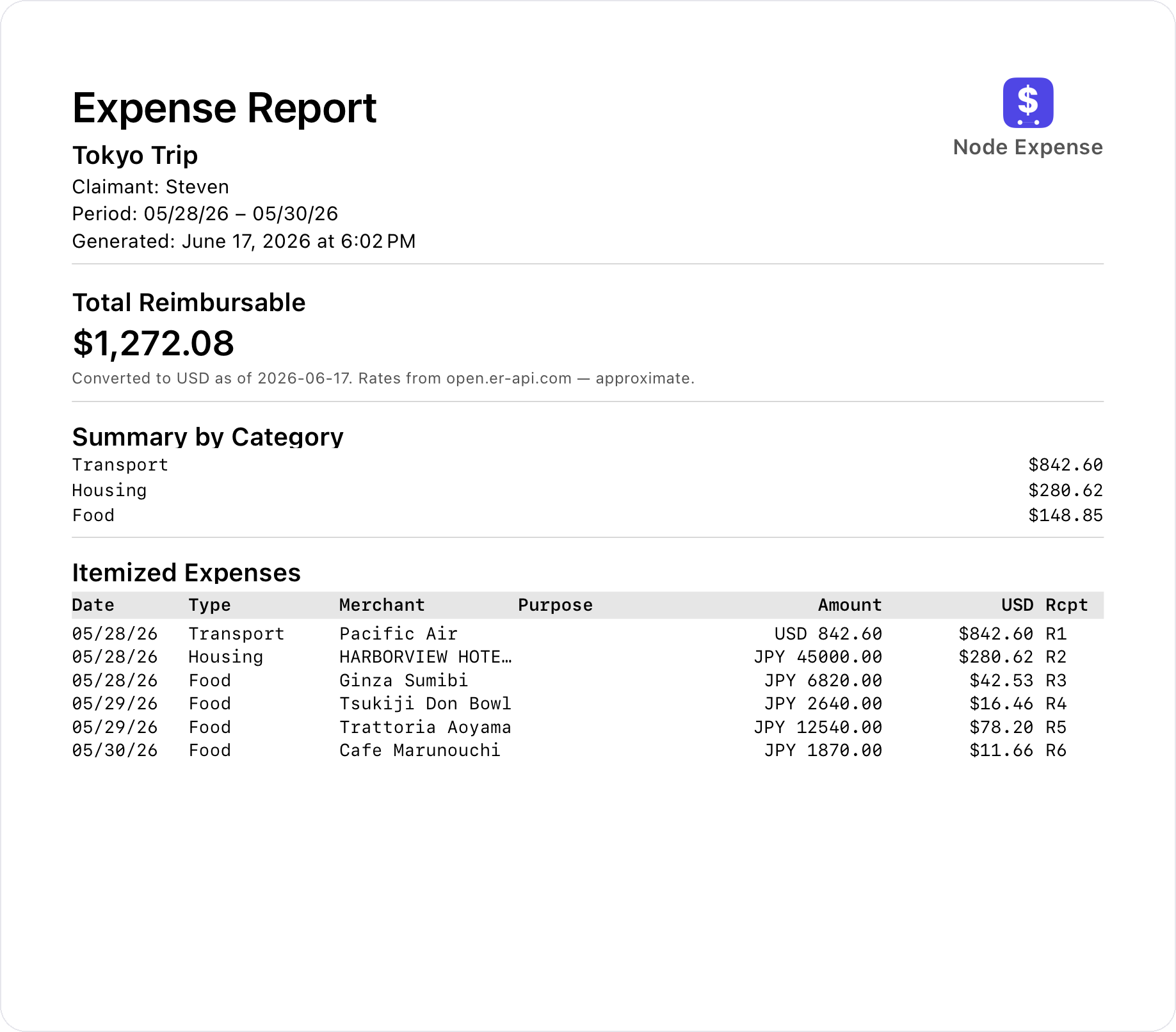
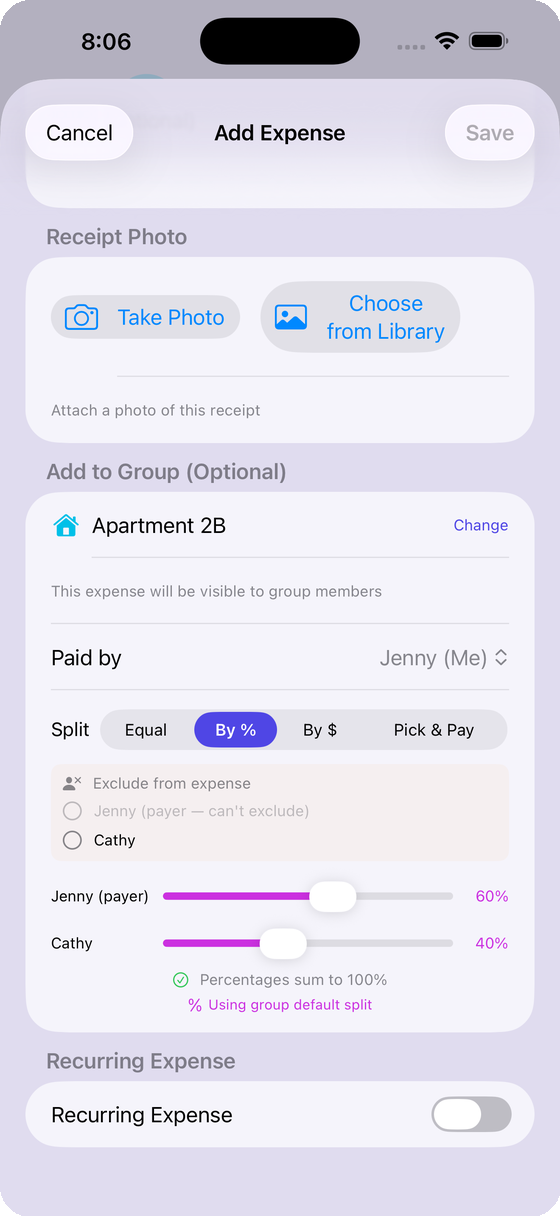
Split any bill, exactly how you want.
Equal, by percentage, or exact amounts — or scan the receipt and tap who had what. Smart settle-up nets everyone out to the fewest payments possible.
- No sign-up for friends — add anyone to a bill, even without the app
- Exclude anyone who wasn't part of the bill
- Settle up in a tap — no awkward reminders
- Real-time sync — everyone sees new expenses instantly
- Check group balances at a glance from a Home Screen widget
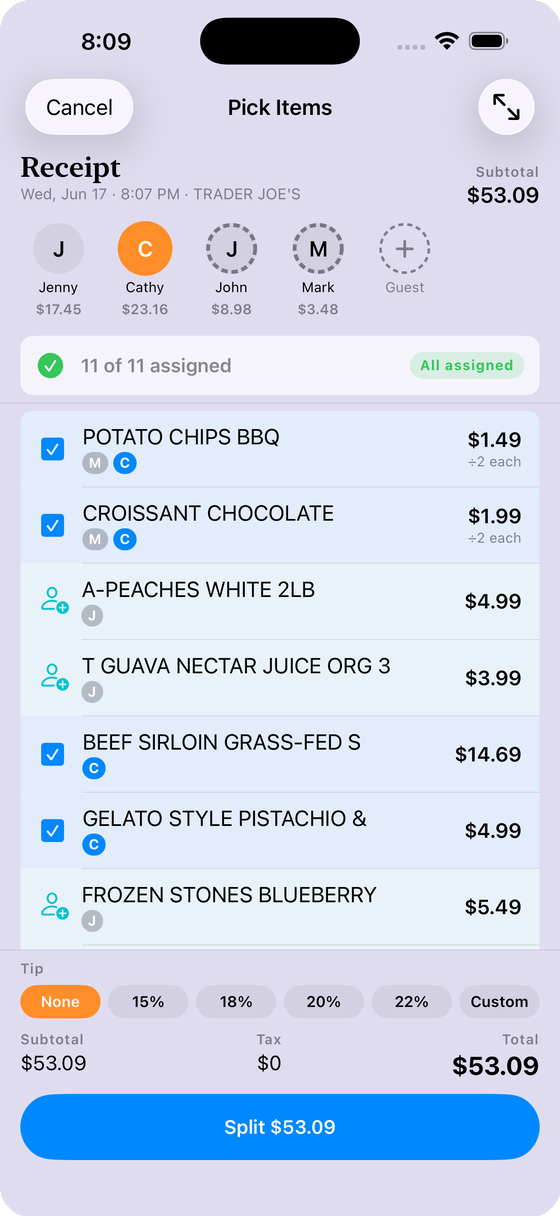
Snap the receipt. AI does the rest.
Point your camera at a receipt and AI reads every line item — then you just tap who had what.
- AI itemizes every line — no manual entry
- Assign each item to whoever ordered it — guests welcome, no app needed
- Share the breakdown via iMessage, QR, or AirDrop
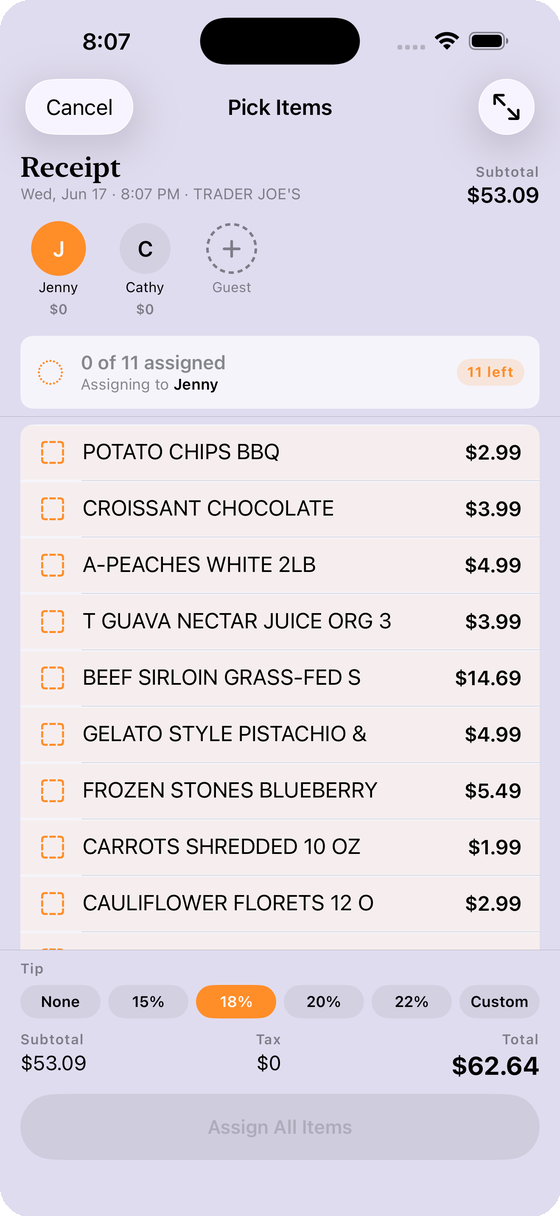
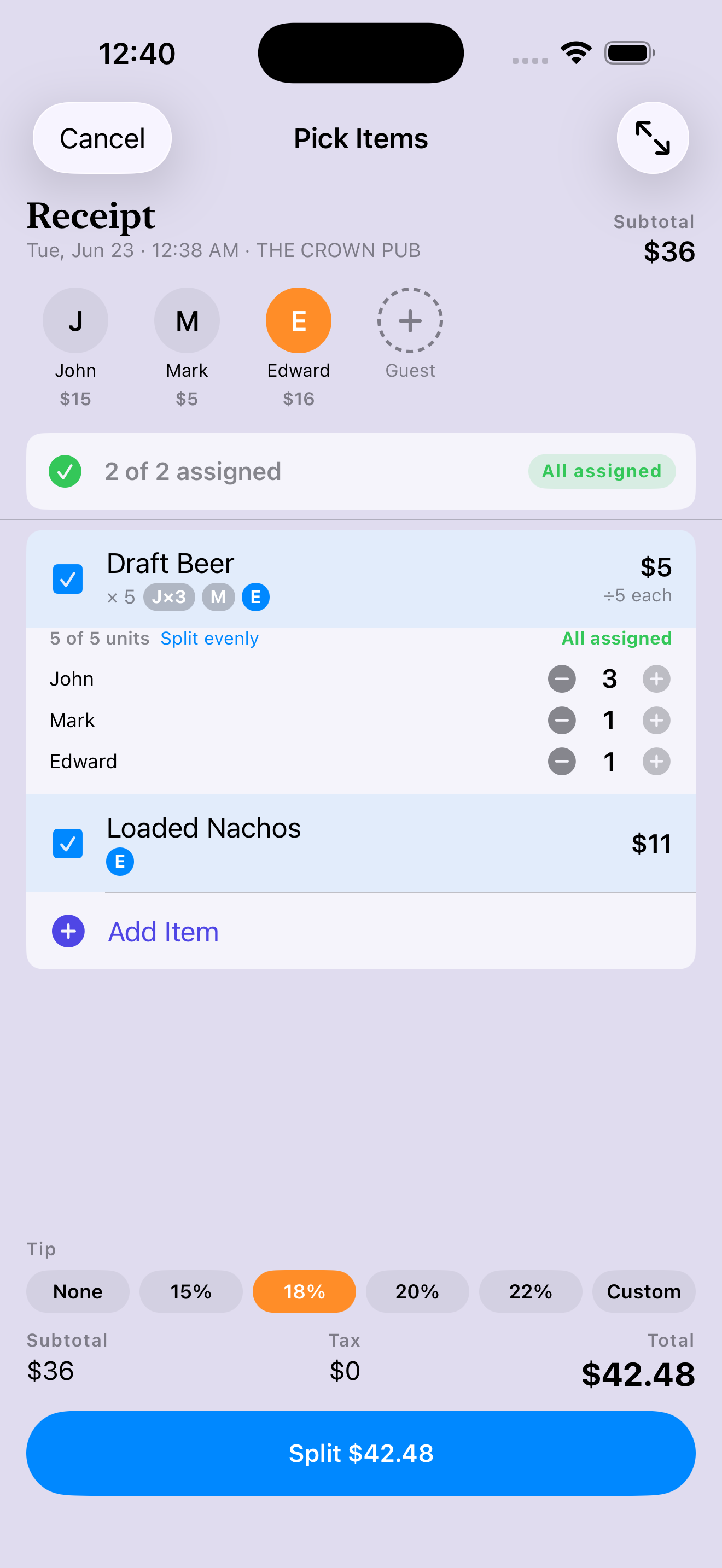
You had one beer. Don't pay for five.
When the table orders a round, most apps split it evenly or leave you doing the math. Node Expense lets you assign exact quantities — John had three, you had one — so everyone pays for exactly what they had.
- Assign quantities per person — not just who touched the item
- Tax and tip follow each person's real share, to the penny
- The total always adds up — no missing or double-counted items
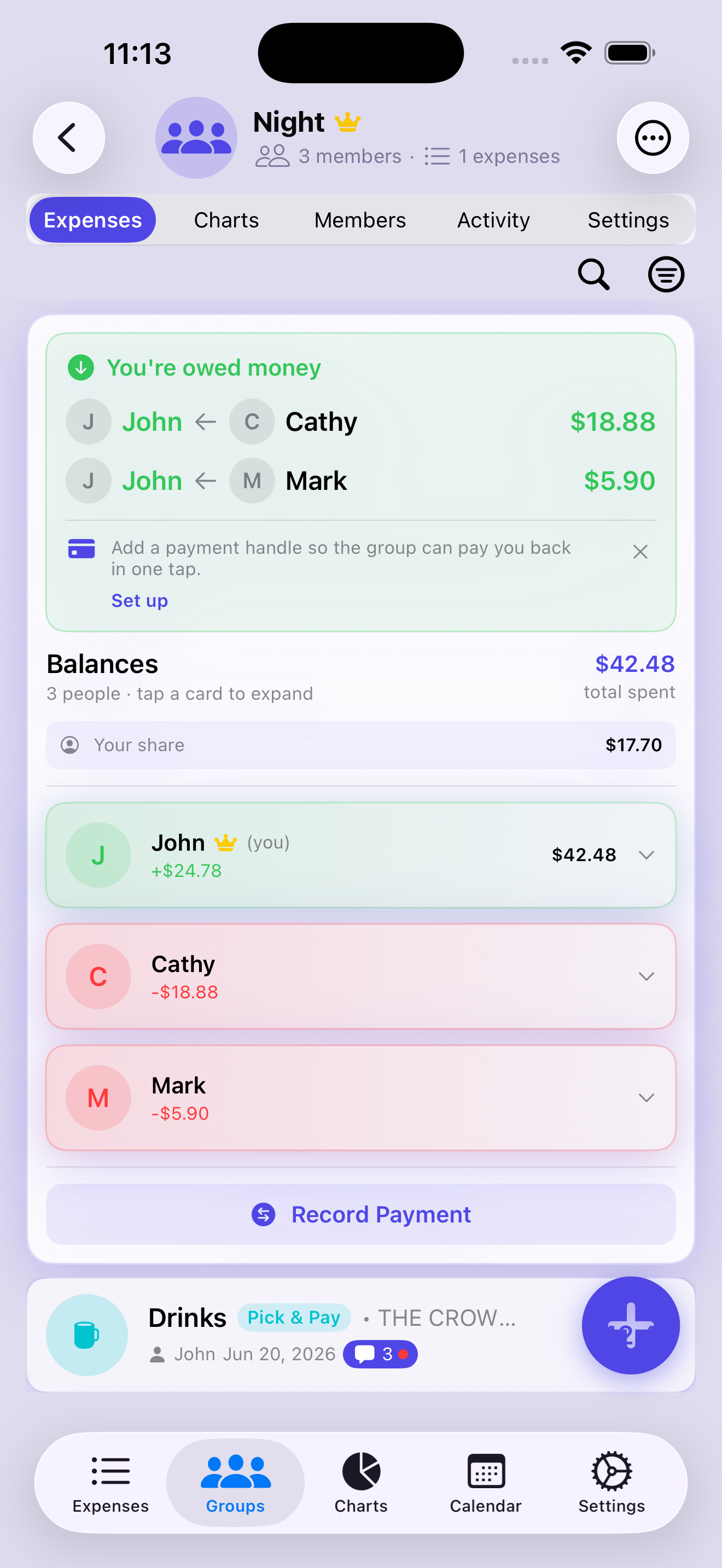
Talk it out — right on the expense.
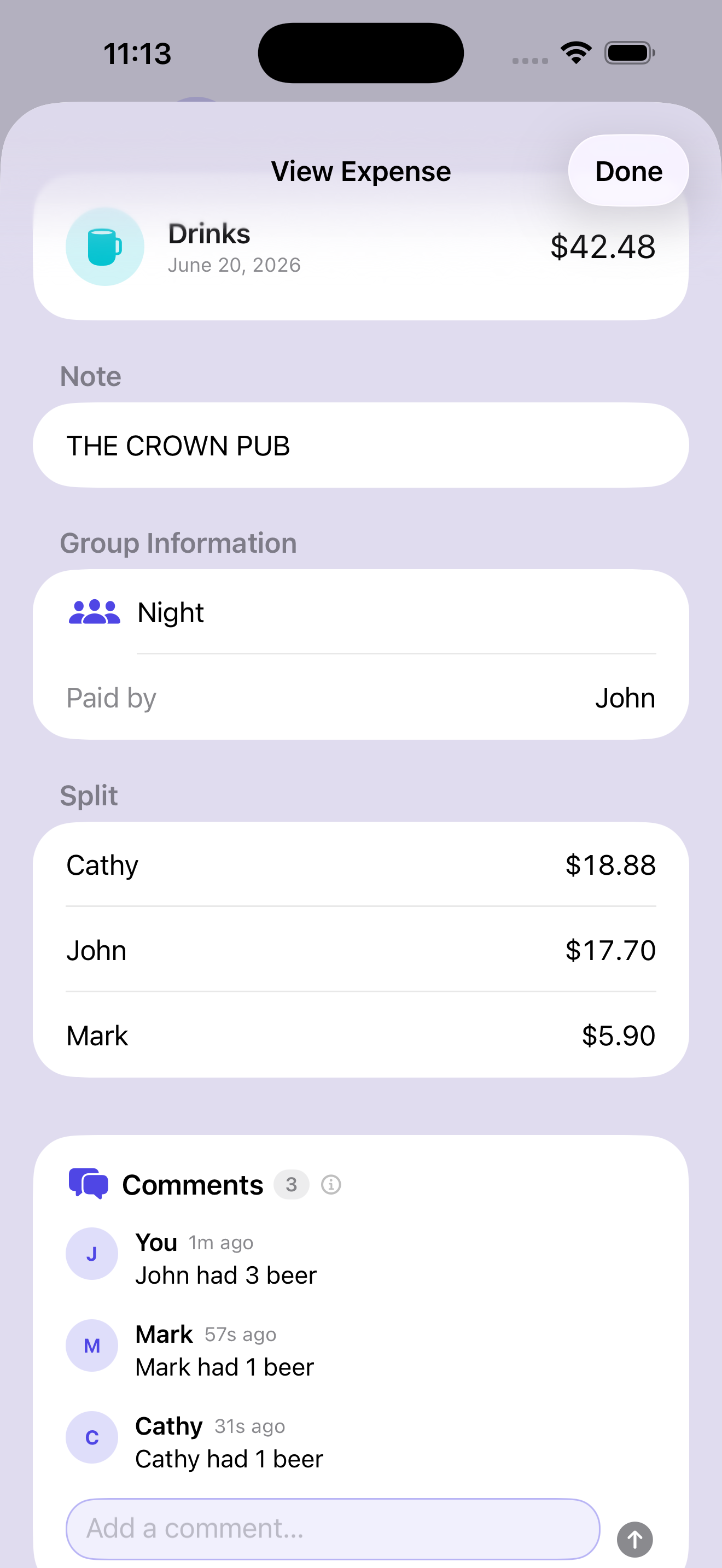
“Wait, what was this charge?” Most split apps send that conversation off to a separate group chat. Node Expense puts a comment thread on every shared expense, so you can ask, explain, and agree right where the money is.
- A comment thread on every group expense
- Push alerts the moment someone replies
- See which expenses have a conversation at a glance
Not splitting? Just track it solo.
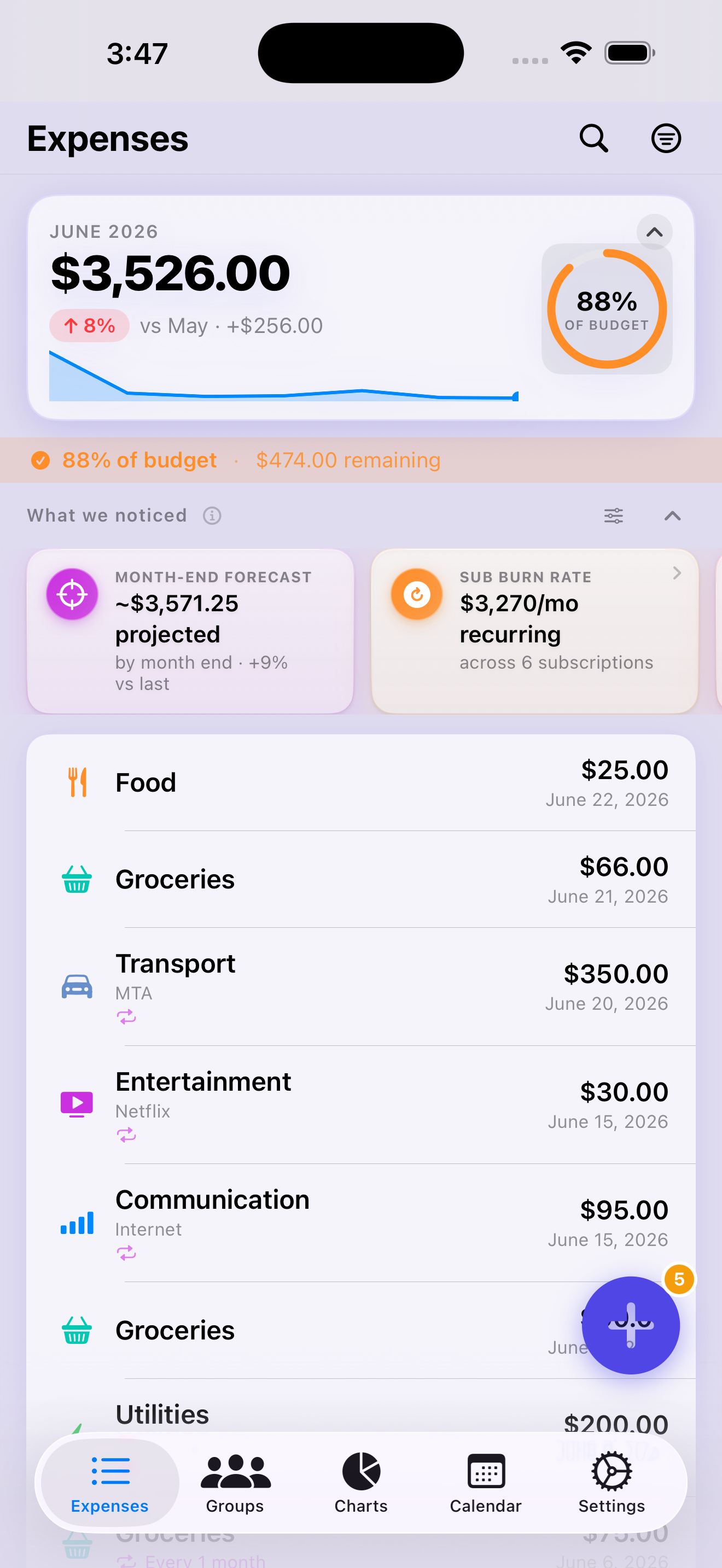
Node Expense isn't only for groups. Log your own spending in seconds — scan a receipt or tap it in — sorted into your own categories, with budgets and insights working quietly in the background. No account, and your personal data never leaves your device.
- Scan to auto-fill the merchant, total, date, and category
- Your own categories, with emoji and budgets
- Add an expense in one tap — straight from a Control Center widget
- A monthly overview card shows your total spend and how it compares to last month
- A budget pace ring shows how much of your monthly budget is left, at a glance
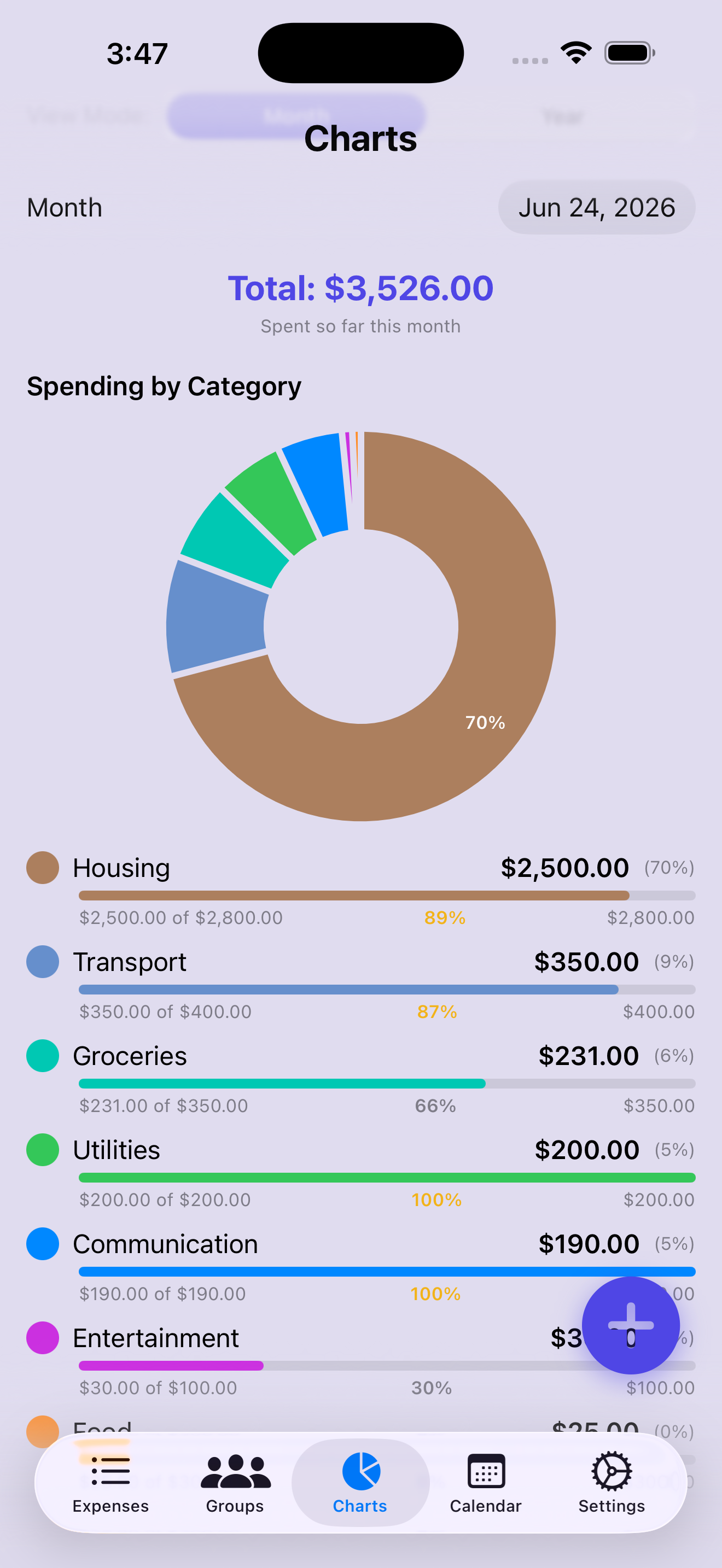
Know where your money goes.
Set category budgets with live progress, and let smart insight cards surface what you'd otherwise miss — so you can plan ahead instead of reacting.
- Live budget progress and limit alerts
- Catches creeping subscriptions and duplicate charges, and forecasts your month-end spend
- Multi-currency tracking for travel
- Export your full history — CSV, PDF, or JSON. No lock-in. (PRO)
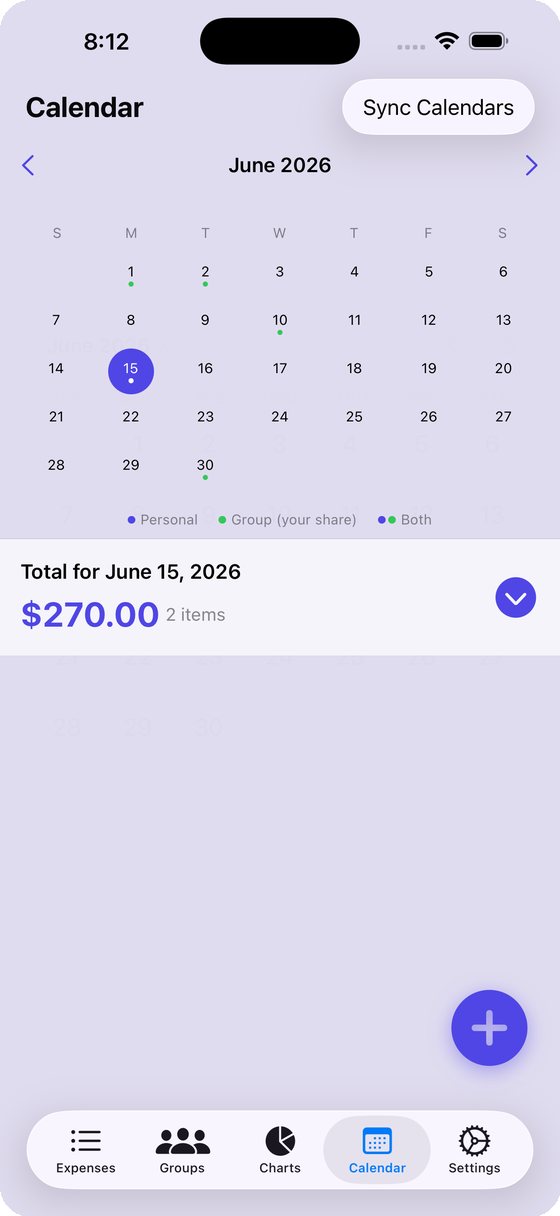
See what's coming, on your calendar.
Recurring bills and subscriptions are managed automatically, and your spending timeline syncs straight to your iOS Calendar.
- Recurring expenses tracked for you
- Spending timelines right in Calendar
- Push alerts for group activity and upcoming bills
One tap to a reimbursement-ready report.
Export a professional PDF from any group trip — every receipt on its own page, foreign currencies converted to your home currency at the official rate, with a clear total to claim.
- Itemized expenses, summarized by category
- Auto currency conversion with the official rate date
- Every receipt attached, cleanly formatted (PRO)